
eProsima DDS tool ecosystem
The right DDS tool for every stage of your system.
Observe, connect, record, inspect and control distributed systems with professional and open-source tools built around one interoperable DDS data space.
Practical tools for building and operating DDS systems.
Advanced visibility and workflows for production teams.
Fast DDS, Fast DDS Pro and Safe DDS deployments.

Featured professional tool
See the system. Understand the data. Resolve problems faster.
A professional workspace for monitoring, diagnosing and interacting with complex DDS systems, live or from a recording.
- Visualize topology, topics and application data
- Diagnose QoS and reliability problems
- Work with Fast DDS Pro and Safe DDS deployments
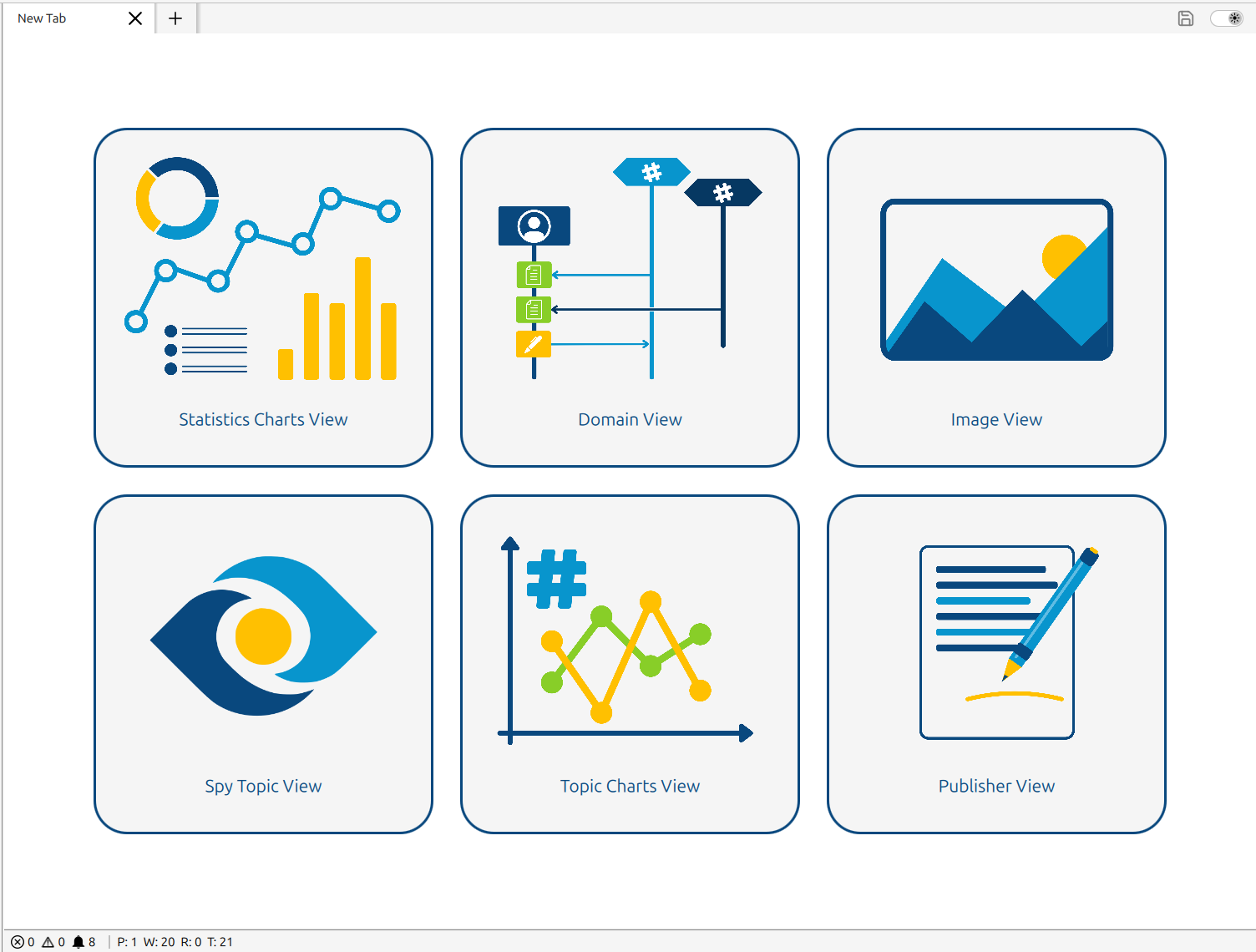
Essential DDS tools
From development to production operations.
Start with the problem you need to solve. Each tool has a clear operational role and a professional path when your deployment requires it.
DDS Monitor 01
Observe topology and data, diagnose QoS and reliability issues, and interact with complex DDS systems.

DDS Router 02
Route data across DDS domains, networks, WANs, cloud deployments and supported protocol boundaries.

DDS Record & Replay 03
Capture DDS traffic in MCAP and reproduce real system behavior for debugging, validation and testing.

DDS Spy 04
Inspect DDS entities, topics, types and live data from a lightweight command-line workflow.
Discovery Server 05
Protect discovery, control metatraffic bursts and scale demanding Fast DDS deployments.
Learn and evaluate
Make DDS tangible from the first session.
Visual demonstrations and ready-to-use environments for training, evaluation and tutorials.

INTERACTIVE LEARNING Shapes Demo
Create publishers and subscribers, experiment with QoS policies and immediately see data behavior in the Global Data Space.

READY-TO-USE ENVIRONMENT eProsima DDS Suite
Evaluate Fast DDS and a curated set of eProsima tools in a prepared Docker environment built for demonstrations and learning.
Specialized solutions
Purpose-built paths for unusual constraints.
Visible when the architecture calls for them, without competing with the core middleware portfolio.

EXTREMELY CONSTRAINED DEVICES Micro XRCE-DDS
Connect tiny microcontrollers and FPGAs to the DDS Global Data Space through a lightweight DDS-XRCE client and Agent architecture.

PASSIVE CAPTURE Non-Intrusive DDS Recorder
Capture and reconstruct RTPS traffic without introducing another DDS participant or changing the behavior being observed.
Commercial protocol bridges
Connect DDS with the protocols around your system.
Purpose-built commercial applications for web and automotive integrations. Talk to eProsima to confirm the architecture, deployment model and licensing path.
WEB APPLICATION INTEGRATIONCOMMERCIAL DDS WebSockets Bridge
Stream selected DDS topic data to WebSocket clients without generated type code. Choose the Foxglove protocol or the lightweight eProsima JSON protocol for browser and web-based workflows.
- Dynamic DDS type discovery
- Allow and block topic filters
- Bounded, non-blocking client queues
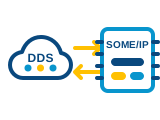
AUTOMOTIVE SERVICE INTEGRATIONCOMMERCIAL DDS SOME/IP Bridge
Connect DDS and SOME/IP networks in both directions. Offer DDS-backed services to SOME/IP clients or expose remote SOME/IP services as DDS topics.
- Methods, events and fields
- Runtime DDS / SOME/IP payload conversion
- ARXML Toolkit for types and configuration
Developer frameworks and utilities
Technical building blocks, kept in their proper place.
Discoverable for developers who need them, without asking supporting libraries to compete with operational products.

SPECIALIST FRAMEWORKIntegration Service
Build highly customized middleware bridges with protocol plugins, type transformations, and topic or service mappings.

DEVELOPMENT LIBRARYStatistics Backend
Build custom applications that consume topology, QoS and performance information from the Fast DDS Statistics Module.

CODE GENERATIONFast DDS-Gen
Generate language-specific type-support code from IDL definitions as part of the standard Fast DDS workflow.

LANGUAGE BINDINGFast DDS Python
Develop Python applications that participate directly in the Fast DDS Global Data Space.

EXTERNAL UTILITYWireshark RTPS dissector
Inspect RTPS packets and protocol behavior using the familiar Wireshark network-analysis workflow.

ECOSYSTEM INTEGRATIONDDS Blockset for Simulink
Model and simulate DDS publishers, subscribers and QoS configuration within MATLAB and Simulink.
One interoperable ecosystem
Tools that follow the architecture.
Open-source tools support broad DDS workflows; commercial products add advanced capabilities, lifecycle and direct engineering support.
Tool family | Fast DDS | Fast DDS pro | Safe DDS |
|---|---|---|---|
DDS Monitor | Open-source edition | Pro edition included | Pro edition included |
DDS Router | Open source | Available | Available |
DDS Record & Replay | Open source | Available | Available |
DDS Spy | Open source | Available | Available |
Discovery Server | Open-source edition | Pro edition included | - |
Exact compatibility and packaging can depend on the target platform and deployment architecture. eProsima will confirm the appropriate configuration during the architecture review.
Architecture first
Not sure which tools fit your workflow?
Tool and architecture fit.
Fast DDS Pro and Safe DDS workflows.
Integration, licensing and support options.