AI engineering services
Bring AI into your software and robots.
We design and implement engineering assistants, AI-enabled product features and robotic interactions, connecting models to your data, tools and application interfaces.
From the team behind Fast DDS and Vulcanexus.Context from your system.
Application operations.
AI connected to ROS 2.
Start with one useful workflow.
A feasibility study, an integration prototype or development against a defined requirement.
AI engineering services
Practical integration.
A clear engineering outcome.
Start with a concrete task: investigate a communication issue, expose application functions to an AI client, or connect perception and language to a robot. The example projects below illustrate work you can commission.
- Engineering assistants
- AI-enabled products & MCP
- AI for robotics
- Knowledge integration
- Evaluation & deployment
Example project
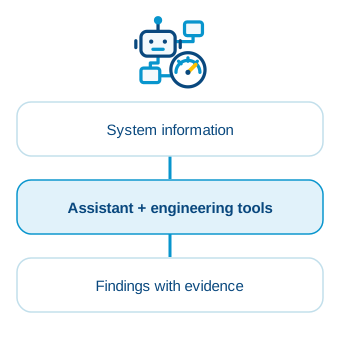
“Investigate why these applications are not exchanging data.”
Typical deliverable
An integrated assistant, agreed tool interfaces and representative diagnostic scenarios.
Put system knowledge to work.
Build an assistant around the information and tools your engineers use. Connect system state, measurements and application context so users can investigate an issue and inspect the evidence behind an answer.
- System inspection and diagnostic workflows.
- Charts, measurements and explanations in your application.
- Repeatable investigations and test-data workflows.
Example project
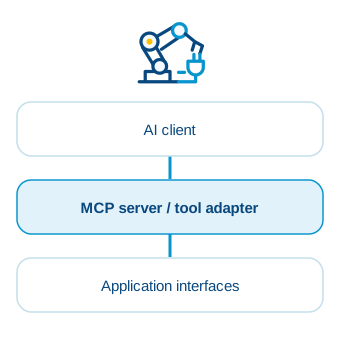
“Let our users query product data and perform tasks through an AI assistant.”
Typical deliverable
An integrated AI workflow, documented tool interfaces, client configuration and interface tests.
Build AI capabilities into your product.
Give your users an assistant that can query information and perform useful tasks in your software. Connect models to selected application capabilities through MCP servers or custom adapters, with access and operations defined for your product.
- AI assistants and workflows integrated into your product.
- MCP servers and adapters for APIs, DDS or ROS 2.
- Access controls, operation validation and activity records.
Example project
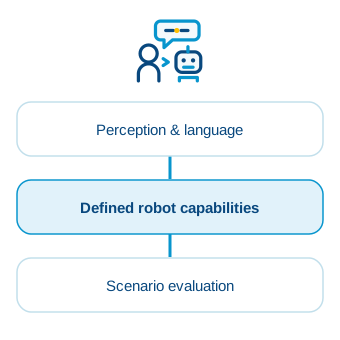
“Connect person detection and spoken requests to defined robot capabilities.”
Typical deliverable
An integrated robotic workflow, documented interfaces and an evaluation plan.
Connect intelligence to robot capabilities.
Combine language, perception and reasoning with the functions your robot exposes. Integrate AI with ROS 2, use VulcanAI or HRI components where appropriate, and evaluate the resulting behaviour in context.
- Speech, person detection and interaction pipelines.
- Application tools connected to ROS 2 interfaces.
- Task workflows tested in representative scenarios.
Example project
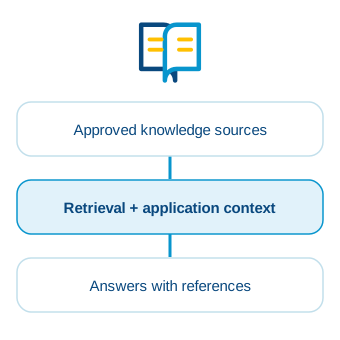
“Explain a system issue using live state and the relevant documentation.”
Typical deliverable
A knowledge integration, content-update workflow and a representative evaluation set.
Make your technical knowledge useful in context.
Connect an assistant to the manuals, specifications and project information your team relies on. Combine relevant documents with application context, and make it possible to trace answers back to their sources.
- Document ingestion, retrieval and source attribution.
- Access aligned with users and information sensitivity.
- Evaluation of answer quality and unsupported responses.
Example project
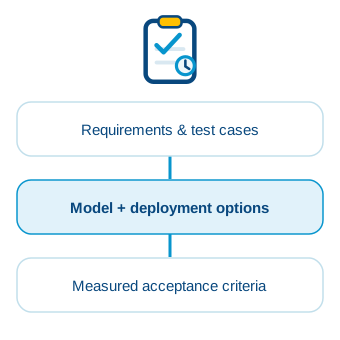
“Compare local and cloud models on our actual engineering tasks.”
Typical deliverable
An evaluation report, deployment configuration and agreed acceptance checks.
Find out what works for your application.
Evaluate model and deployment choices against the workflow you need to support. Test quality, latency and resource use, and define the operational boundaries before extending the integration's role.
- Model selection and local, cloud or hybrid integration.
- Behavioural testing, failure handling and data-flow review.
- Model adaptation where it adds measurable value.
In practice
Connect engineering tools to AI assistants.
DDS Monitor Pro’s upcoming built-in MCP server connects an AI assistant to the system the Monitor sees, and the tools it provides.
- Inspect entities and investigate communication issues.
- Create charts from live data and statistics.
- Publish sample data in a test environment.
We can build this kind of integration into your engineering software: tool interfaces, live context and workflows around your users’ tasks.
In practice
From perception to useful interaction.
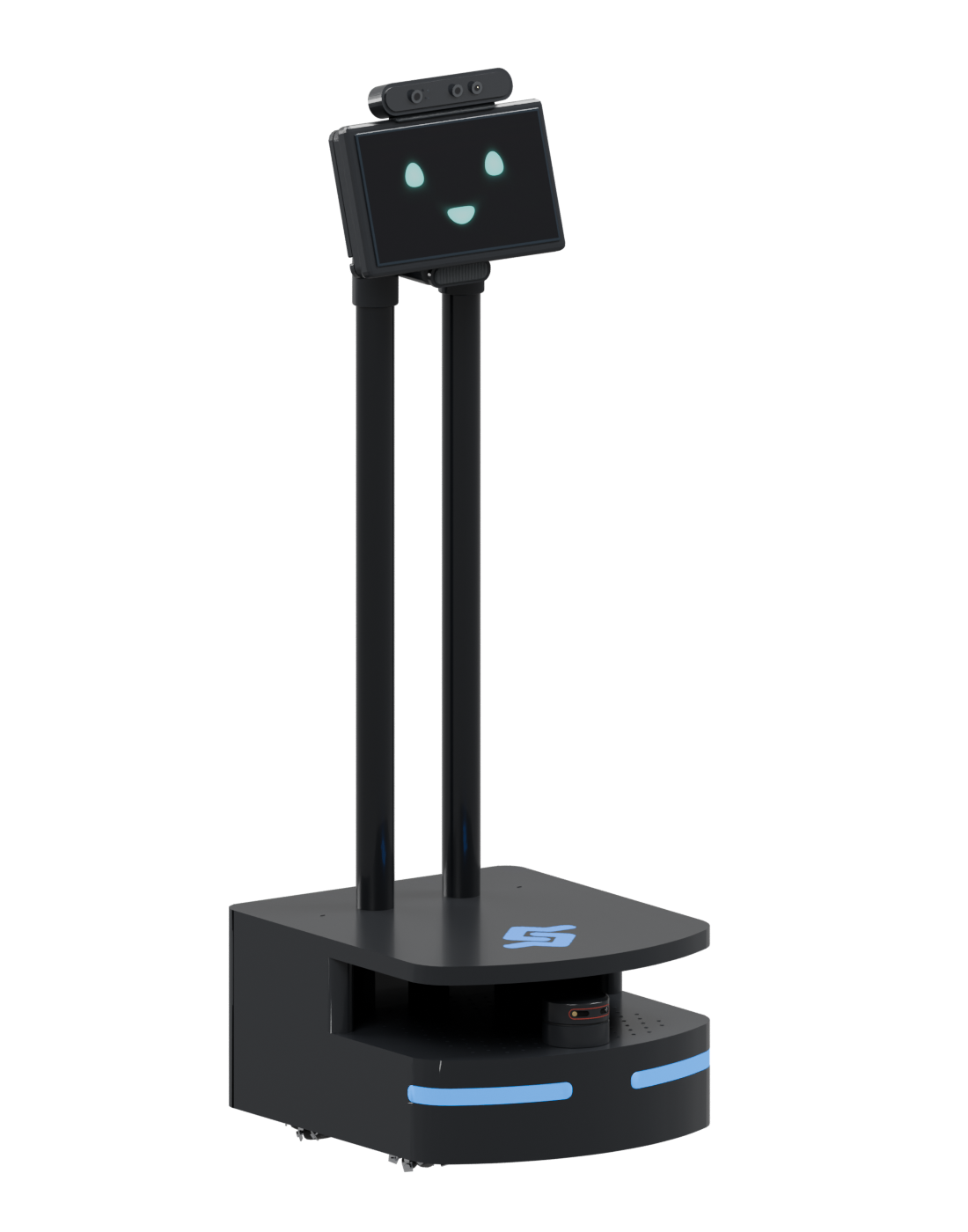
Our own robotics stack brings together AI tools, human–robot interaction and a physical platform for integration and evaluation.
Connect language models to application tools and ROS 2 capabilities.
Explore navigation, perception and interaction on a working robot.
Bring person detection, speech and visual interfaces into the workflow.
We can integrate these building blocks with your ROS 2 application, define the exposed robot functions and test the interaction in context.
How we work
One useful workflow.
A concrete first delivery.
Start with the application and the task, not a model in search of a problem.
01
Scope it
Choose the workflow, inspect the available interfaces and agree what a successful result looks like.
02
Connect it
Build the adapters, tools and application integration alongside your engineering team.
03
Prove & hand over
Test representative scenarios and deliver the agreed implementation, documentation and findings.
What the assistant may read or change, and where review is needed.
Local, cloud or hybrid choices matched to your constraints.
Measured results, failure handling and a clear handover.
Why eProsima
Engineering experience.
Applied to your project.
Work with engineers who understand the data, interfaces and runtime behaviour behind your application, not just the model connected to it.

Distributed-systems expertise
The team behind Fast DDS understands data types, topics, communication behaviour and measurements, the context an assistant needs to investigate a live system.

Robotics integration expertise
Our work on Vulcanexus, VulcanAI and human–robot interaction connects AI to ROS 2 interfaces and the capabilities of a working robot.

Implementation and handover
We build the application integration, test representative scenarios and deliver the agreed code, documentation and deployment configuration to your team.
Talk to an AI engineering expert
Which workflow would you like to improve?
Tell us about your application and the outcome you want. We’ll help define the interfaces, scope and first engineering step.
Your application and its users.
Data sources, APIs and existing tools.
Deployment and data-handling constraints.
Expected outcomes and project milestones.