
Middleware for robotics
Connect every part of your robot.
From sensors and onboard computing to embedded control and connected fleets. Build your robot’s communication with eProsima middleware, with or without ROS 2.
Fast DDS is the default middleware in every ROS 2 long-term support (LTS) release.
Connect robot applications directly, without ROS 2.
Build on Fast DDS and the tools in Vulcanexus.
Connect microcontrollers to your robot.
Illustrative architecture. Connections depend on your application.
What your robotics system needs
Different components. One connected system.
Design communication around the data, the devices and the environment in which your robot operates.

Move sensor data efficiently
Deliver observations to perception and processing applications, with communication behavior suited to the data rate and payload.
Connect computing and control
Bring application processors and embedded devices together while accounting for memory, timing and safety requirements.
Grow beyond a single robot
Connect robots with each other and with external systems. Plan discovery, traffic and remote connectivity as part of the architecture.
eProsima technology in robotics
Real technology. Real-world applications.
From direct DDS integration to ROS 2 applications using Fast DDS, companies across the robotics ecosystem build on eProsima technology. The public examples below are just a small selection of that wider adoption, spanning sensors, robot platforms and embedded systems.
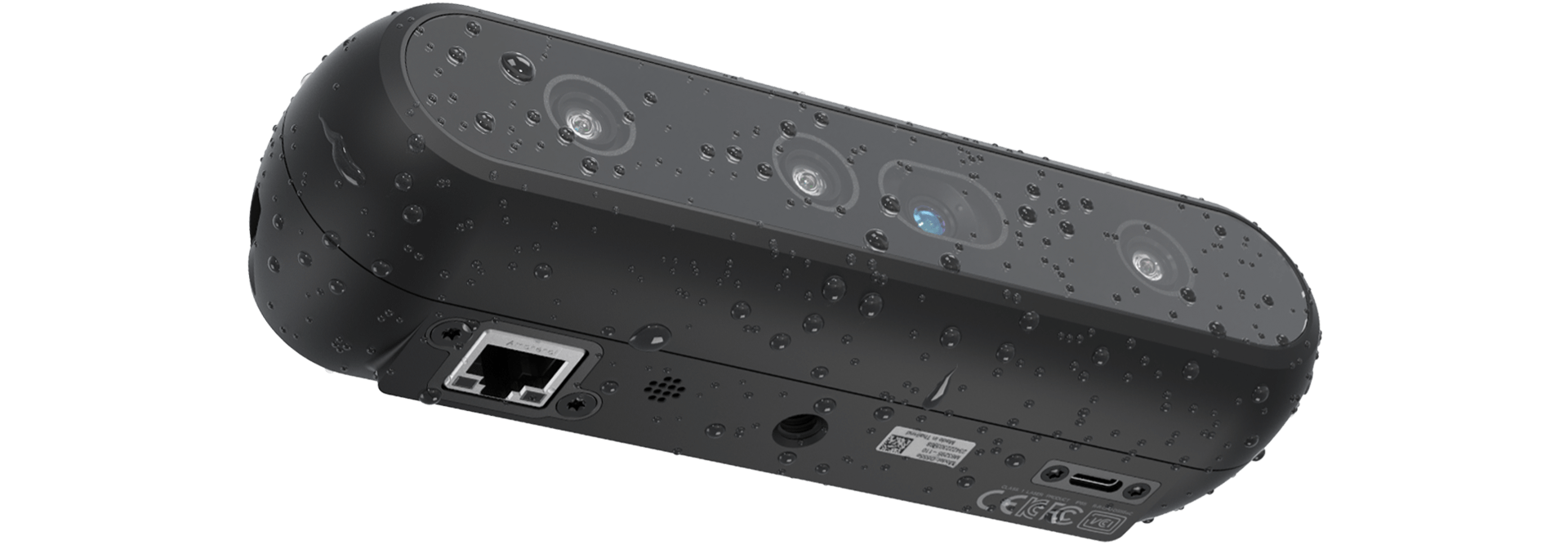
01 · EMBEDDED VISION
RealSense D555
Safe DDS is inside the camera. RealSense publicly identifies Safe DDS as the middleware powering D555, with Fast DDS interoperability enabling native ROS 2 connectivity over Ethernet.
02 · ADVANCED ROBOTICS
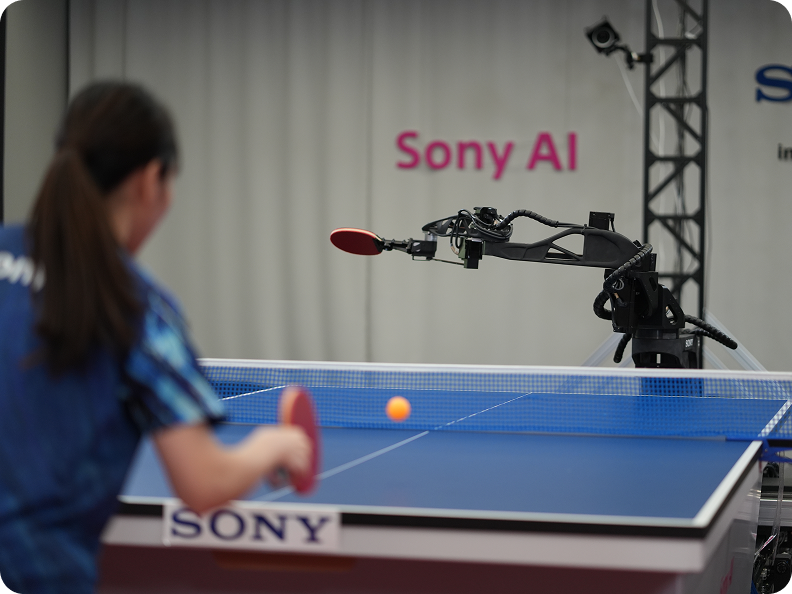
Sony AI - Ace
High-speed perception meets physical action. Sony AI’s table-tennis robot is a compelling example of demanding robotics, with Fast DDS in its ROS 2 integration.
03 · ROBOT PLATFORMS
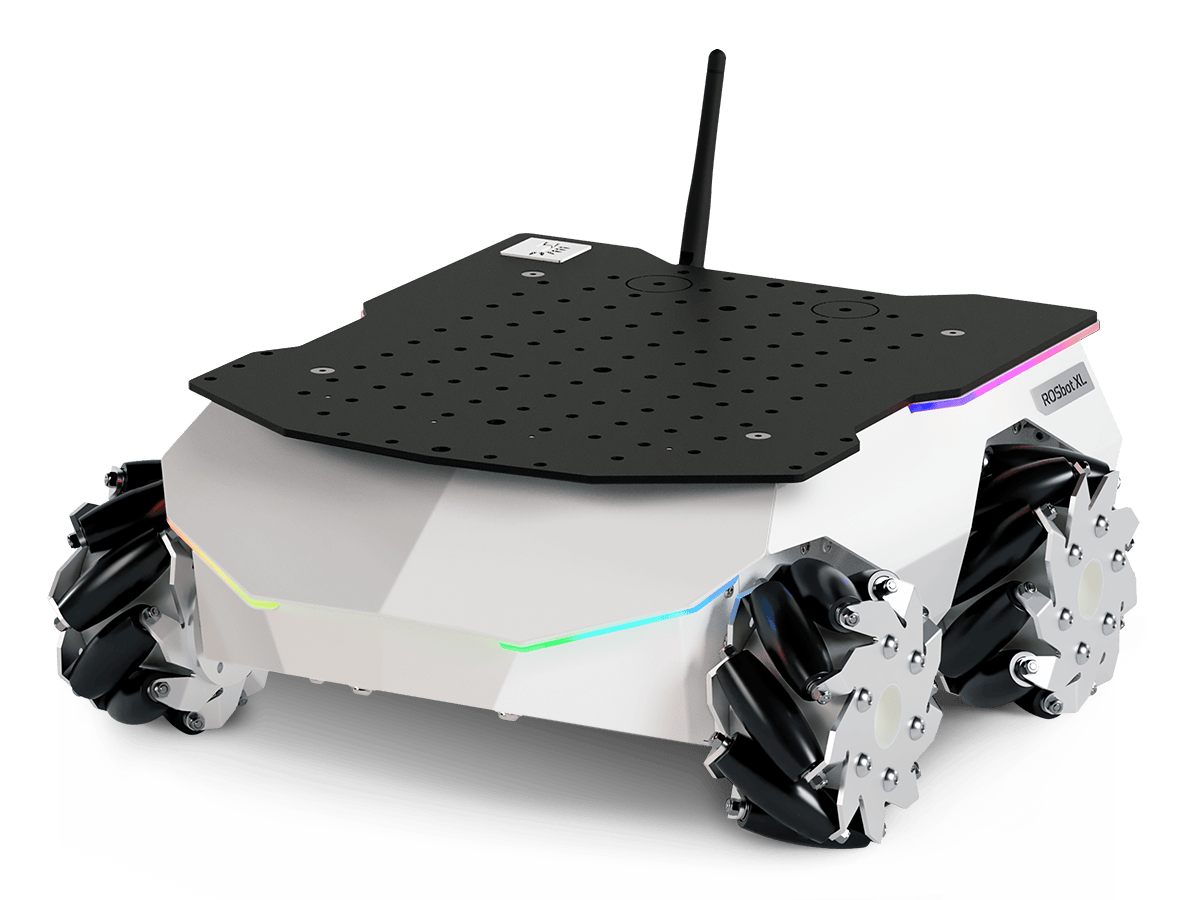
Husarion
A public Vulcanexus partnership connects robot platforms with our ROS 2 distribution, built around Fast DDS and its developer tools.
04 · EMBEDDED ROBOTICS
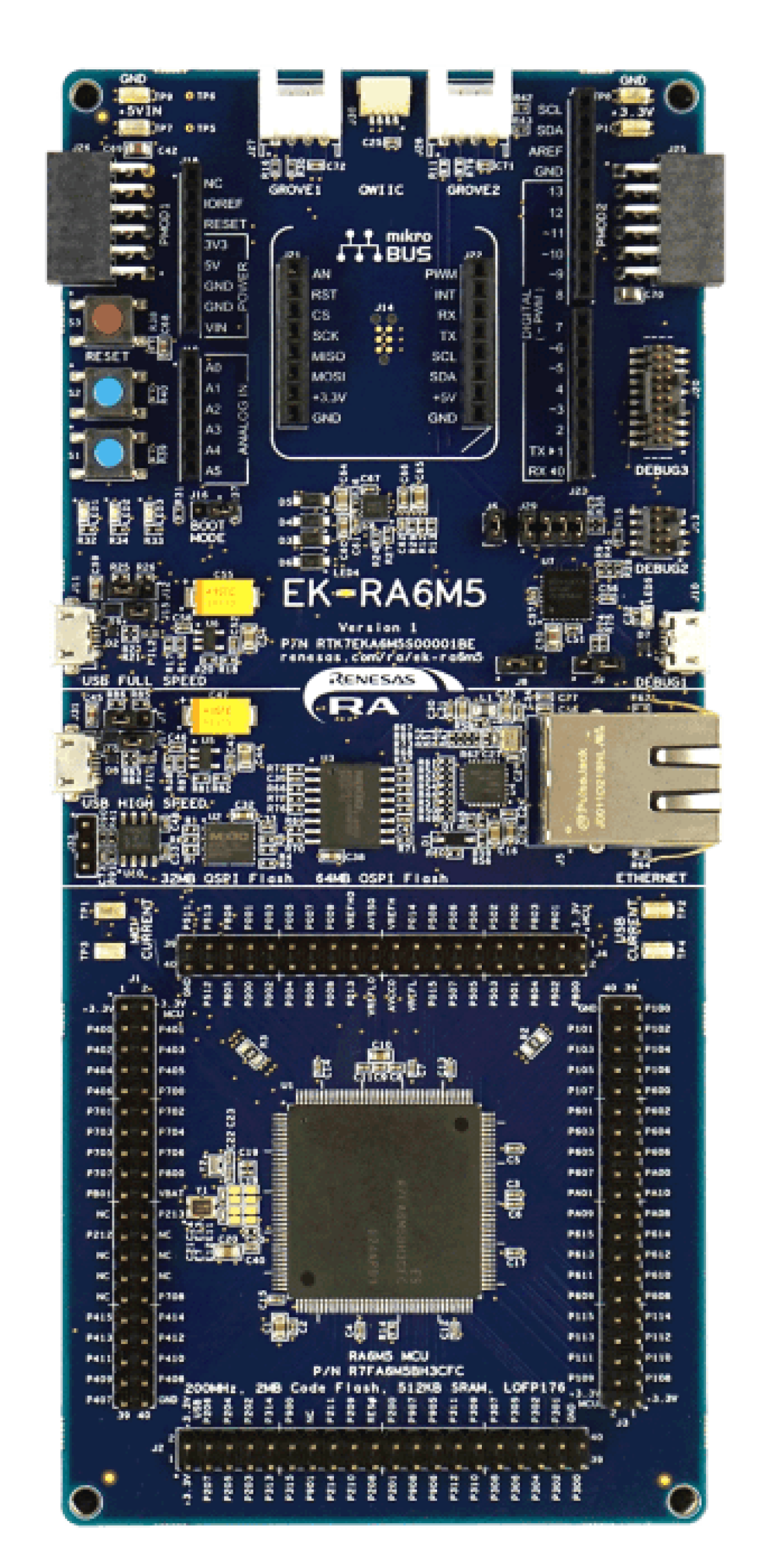
Renesas
Renesas and eProsima collaborate on micro-ROS for RA microcontrollers. Their joint announcement identifies EK-RA6M5 as an officially supported hardware platform.
05 · DEVELOPMENT & RESEARCH
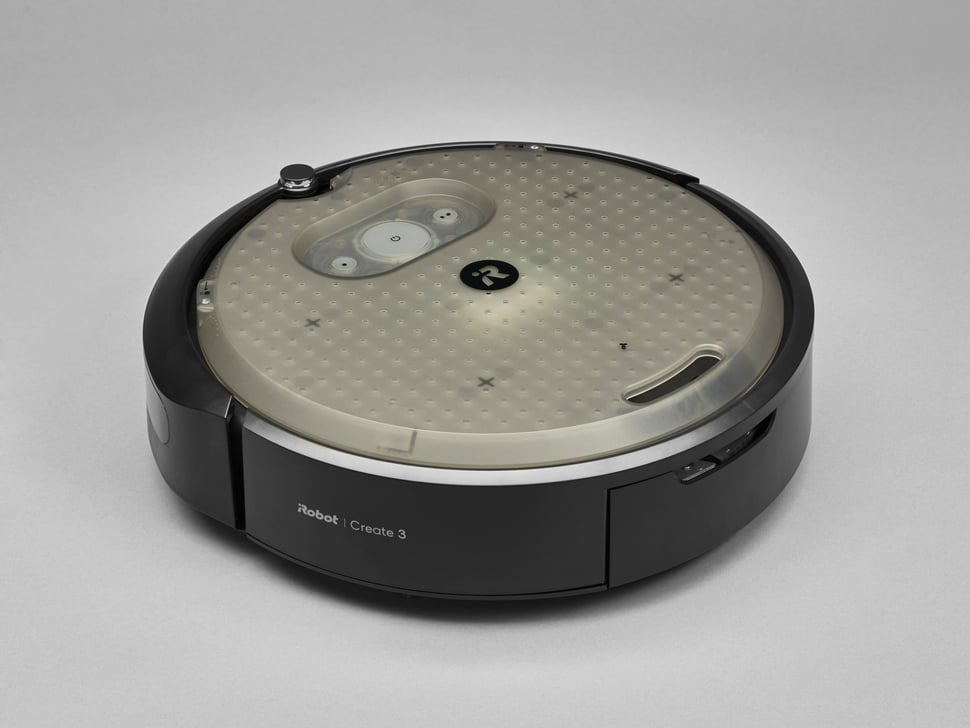
Create 3 & TurtleBot 4
iRobot provides documented Fast DDS firmware options for Create 3. TurtleBot 4’s Humble and Jazzy setup instructions also explicitly select Fast DDS.
Selected public references. Products, editions and configurations differ by application; these examples do not imply use of a particular commercial edition.
Robotics applications
From one robot to a connected fleet.
Match the communication architecture to the application. These illustrative patterns show where the different technologies can fit.
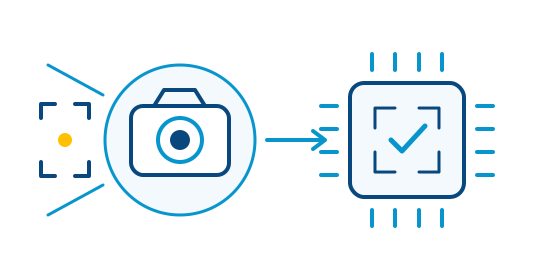
Sensor observations become inputs for perception and planning.
Bring the world into your robot.
Connect cameras, lidar and other sensors with the applications that interpret their data. Design communication around payload sizes, update rates and the processing resources available.
- Publish data to the applications that need it
- Tune delivery behavior with DDS Quality of Service
- Evaluate efficient local transport for large data
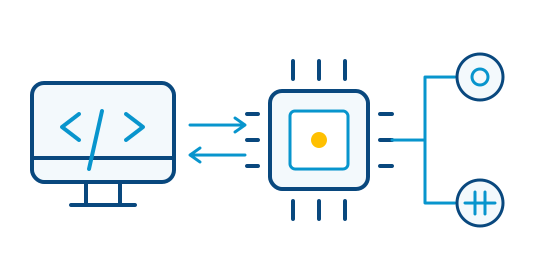
Example: a native DDS connection between computing and embedded control.
Connect the small devices, too.
A robot combines powerful computers with resource-constrained controllers. Safe DDS provides a native DDS path for embedded and safety-critical systems; micro-ROS brings ROS 2 concepts to microcontrollers through Micro XRCE-DDS.
- Interoperate with Fast DDS applications
- Choose native DDS or a client–agent architecture
- Assess memory, timing and safety requirements
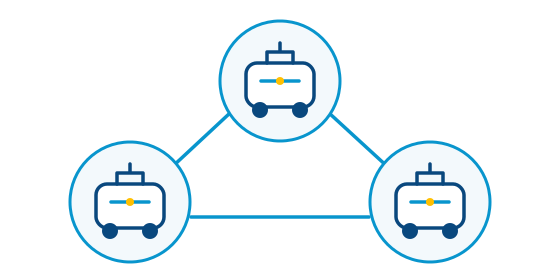
Robots and fleet applications exchange selected data.
Keep robots connected as the system grows.
Coordinate communication across robots and shared applications. Choose discovery and traffic-management mechanisms around your network, fleet size and deployment constraints.
- Organize discovery across distributed applications
- Control which systems exchange information
- Observe communication with professional tools
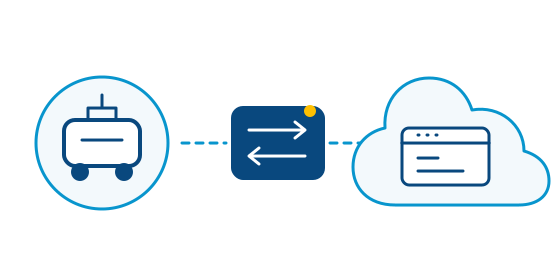
DDS Router connects selected data across networks.
Connect robots with the wider operation.
Link selected robot data with remote applications and other DDS networks. Keep connectivity decisions separate from the robot’s local communication architecture.
- Bridge local and remote DDS networks
- Select the topics needed by remote applications
- Plan for bandwidth and connectivity constraints
Choose your robotics foundation
The right technology for each part of the robot.
Fast DDS Pro and Safe DDS can complement each other in the same system. Choose around your application, device constraints and assurance requirements.
Commercial

For demanding robotic systems that need advanced DDS capabilities, professional development tools and structured product support for production deployments.
- Application processors and distributed systems
- Professional monitoring and discovery tools
- Commercial subscription
COMMERCIAL · ASIL D

For embedded robotic systems that need native DDS communication, efficient use of constrained resources and safety-focused capabilities for production deployments.
- Embedded devices and controllers
- Interoperability with Fast DDS
- Safety-focused product and deliverables
OPEN SOURCE

For robotics teams building directly on DDS or through ROS 2, with open-source middleware, public documentation and community resources for application development.
- Open-source implementation
- Flexible communication configuration
- Public documentation and community resources

Working with ROS 2?
Our ROS 2 distribution brings Fast DDS and a connected set of development tools together for your robotics projects.
Talk to a middleware expert
Let’s discuss your robot’s communication requirements.
Tell us what you are building and where communication matters most. We can discuss the right product path or scope a separate architecture study or engineering engagement.
DDS and ROS 2 product selection.
Embedded and safety requirements.
Sensor data and communication performance.
Fleet and remote connectivity.