
The new AI capabilities of DDS Monitor Pro are in final testing, with release expected in the coming weeks. eProsima is sharing a sneak peek of how engineers can inspect DDS systems, create graphs and publish test data through natural-language requests.
y connecting an AI assistant to the Monitor, a question can become an action in the workspace, with the relevant entities, charts and results available for inspection. The preview demonstrates these workflows ahead of the formal release.
Ask. Visualise. Test. Diagnose.
The demonstrations cover four practical engineering workflows:
- Understand a running system. Ask which applications are running and which topics they publish or subscribe to, then inspect the corresponding entities in the Monitor.
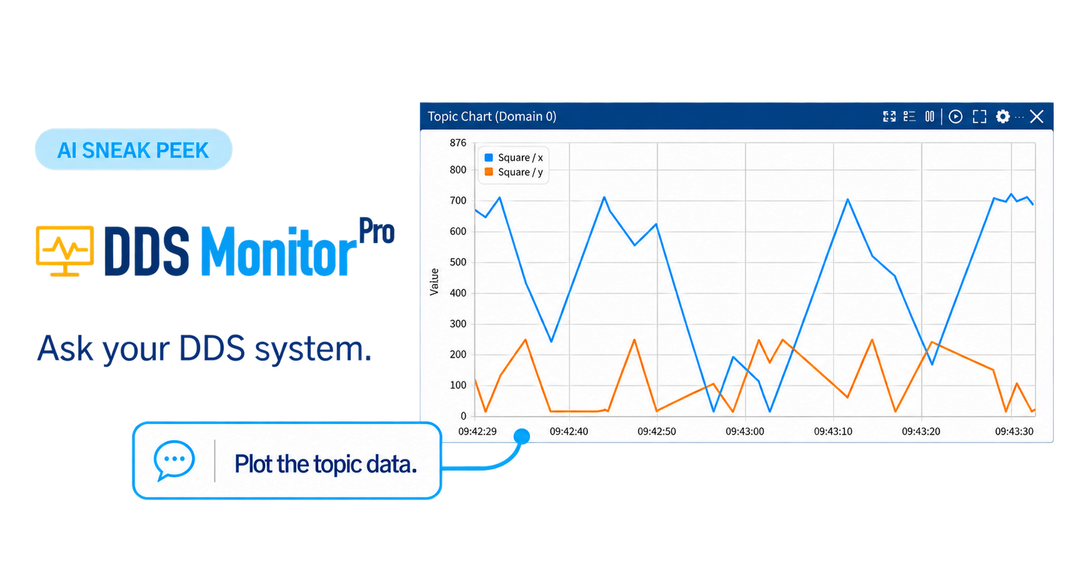
- Turn a question into a graph. Request a chart of specific topic fields and see the data updating in the workspace.
- Create data and test the response. Publish sample data in a test environment and check how the receiving application responds.
- Investigate communication issues. Explore a demonstrated reliability mismatch and inspect the incompatible endpoints and Quality of Service (QoS) settings.
A connection between your AI assistant and your DDS system
A built-in Model Context Protocol (MCP) server provides an MCP-compatible AI client with access to the system context and supported operations available in DDS Monitor Pro. This brings natural-language interaction to the engineering tools used to inspect and work with DDS systems.
The MCP server is off at startup and must be enabled explicitly. Once enabled, connected clients can use supported operations, including publishing data, without a separate approval prompt for each action. Use trusted clients and a test environment for publishing experiments. Model-provider data handling depends on the AI client configuration.
Watch the sneak peek
See the announcement video, a step-by-step tutorial and four short demonstrations on the preview page.
This is a preview of upcoming functionality, not an announcement of general availability. The confirmed release date and access details will be announced once final testing is complete.